Manage your landing pages
Landing pages · Updated 23 November 2026 · 1 min read
Duplicate, unpublish, archive, and change a page's address, product and search settings.
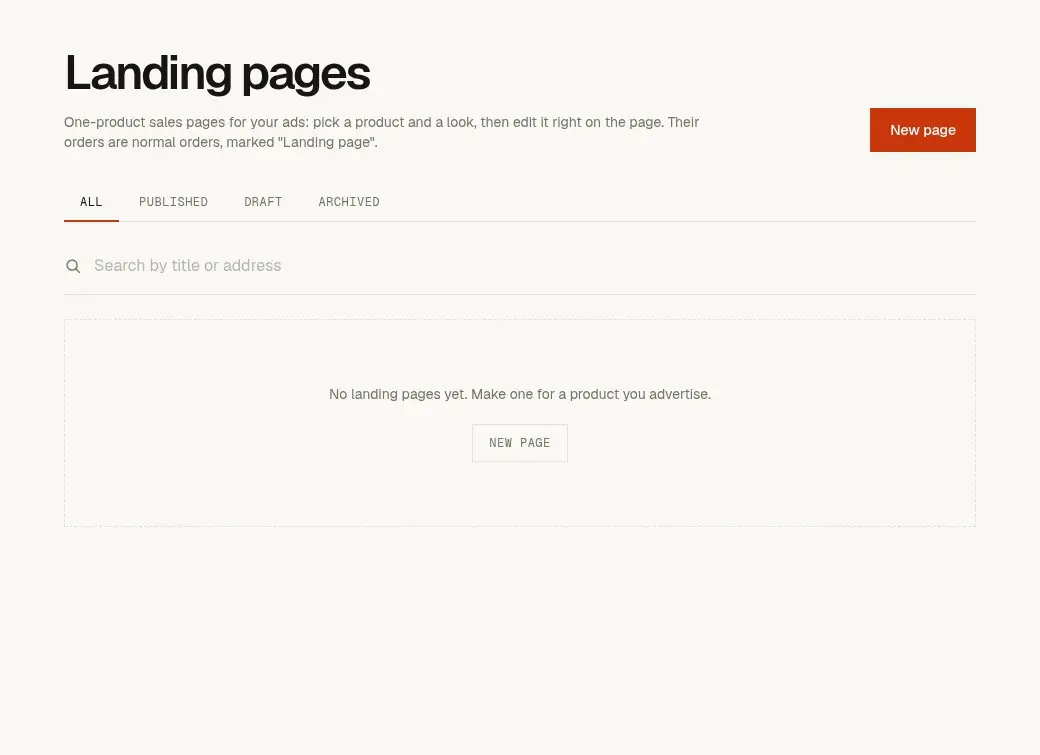
Actions in the list
- Edit: open the editor.
- Open ↗: see the live page.
- Duplicate…: a copy as a new draft, for the same product or another one. The quickest way to make pages for similar products.
- Unpublish…: take it offline. Shoppers get "page not found".
- Archive…: hide it from the list when a campaign ends. Restore brings it back, and only archived pages can be deleted.
Page settings
In the editor, open Settings:
| Setting | What it does |
|---|---|
| Title | Only you see it |
| Address | The page's link (/lp/…). Changing it breaks old links and ads. |
| Product | The product the order form sells |
| Page picture | Shown in your list of landing pages |
| Search tab | Title, description and share picture for Google and Facebook |
| Hide from search engines | For a page that's only for ads |
Product not available
If the page's product is unpublished, out of stock or deleted, the list marks it Not available and shoppers see "This product isn't available". Fix the product or pick another.