Change your plan
Plans and billing · Updated 23 November 2026 · 2 min read
Move up or down a plan. Everything you have stays.
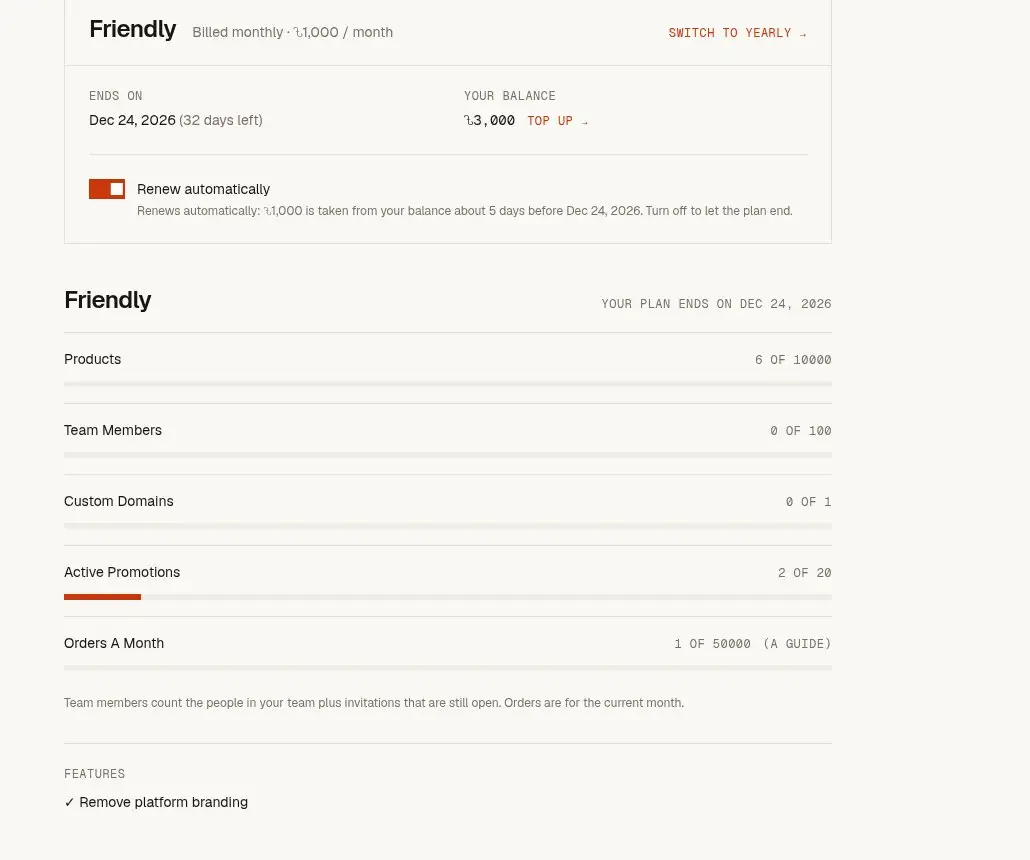
Your plan sets what your store can do: how many products, team members, custom domains, active promotions and orders a month. See your plan and how much you've used in Settings › Plan and usage.
Change or renew
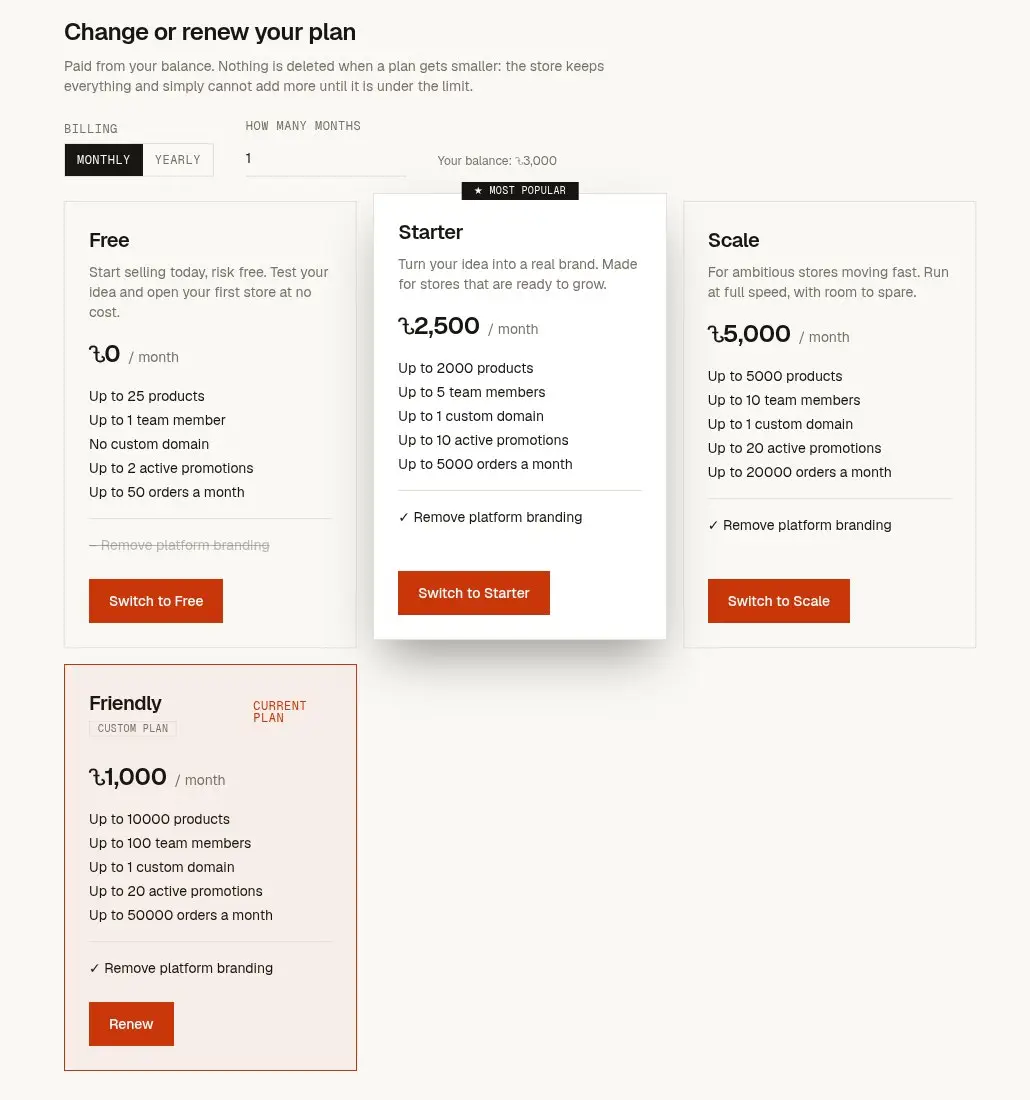
Go to Settings › Plan and usage and scroll to Change or renew your plan.
Choose Monthly or Yearly and how many months or years.
Select Switch to … on the plan you want (or Renew on your current one).
Choose when: Change now (the days left on your current plan aren't refunded), or At the end of the period (recommended for moving down: nothing is charged now).
Confirm. The price is taken from your balance.
Nothing is deleted
When a plan gets smaller, the store keeps everything. It simply can't add more until it's under the new limit.
Renew automatically
With Renew automatically on, the next period is taken from your balance a few days before the plan ends. Keep enough balance: you're warned when it's short. If it's off, or the balance is short, the plan ends and the store becomes read-only: you can see everything, but it takes no new orders until you renew.