Saved replies and teamwork
Unified inbox · Updated 23 November 2026 · 1 min read
Answer faster with saved replies, and share the inbox with your team.
Saved replies
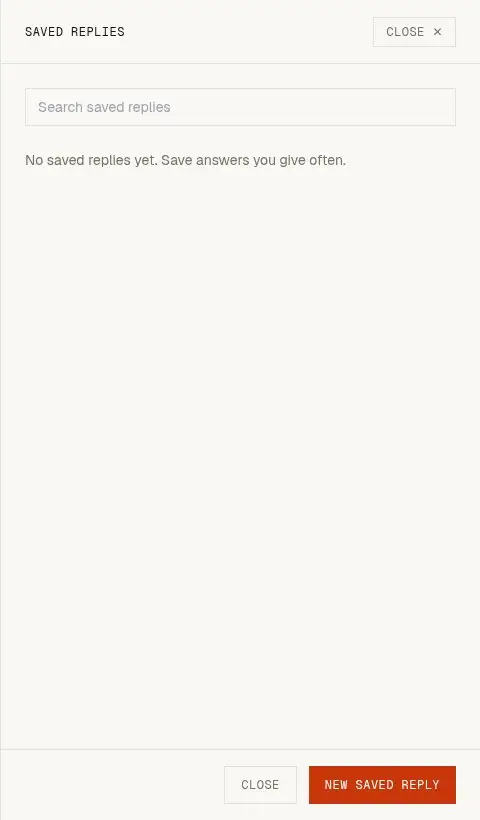
In Social chat, select Saved replies at the top of the list, then New saved reply.
Give it a Title, a Shortcut like price, and the Text. Save.
In any reply box, type / to pick one, or /price to jump to it. You can change the text before sending.
Work as a team
- Assign: set Assigned to on a conversation, or Assign to me. The Mine and Unassigned tabs show who's handling what.
- Status: Open (needs an answer), Pending (waiting for the buyer), Resolved (done). Filter the list by status.
- Notes: switch the reply box to Note. Only your team sees it.
Who can do what
What each person may do in Social chat (read, reply, assign, delete comments) is set in their permissions under Conversations. See Choose what staff can see.