Read-only, leaving and deleting a store
Account and team · Updated 23 November 2026 · 1 min read
What a read-only store means, how to leave a store, and how to delete or restore one.
When a store is read-only
When a plan ends without renewal, the store becomes read-only. You can see everything, but you can't change it, and it takes no new orders. Choose a plan in Settings › Plan and usage to open it again. Nothing is lost.
Leave a store (staff)
In Settings › General, select Leave this store. You lose access at once. The owner can invite you again.
Delete a store (owner)
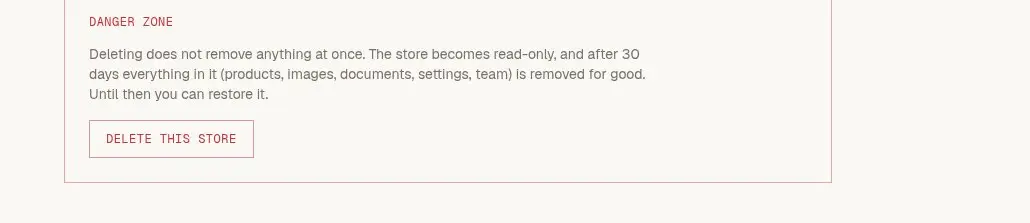
Go to Settings › General and scroll to Danger zone.
Select Delete this store and type the store's name to confirm.
30 days to change your mind
The store becomes read-only at once. After 30 days everything in it (products, images, documents, settings and team) is removed for good. Until then, you can restore it from the same screen.