Product reviews
Customers and reviews · Updated 23 November 2026 · 1 min read
Approve reviews before they show, or let them appear at once.
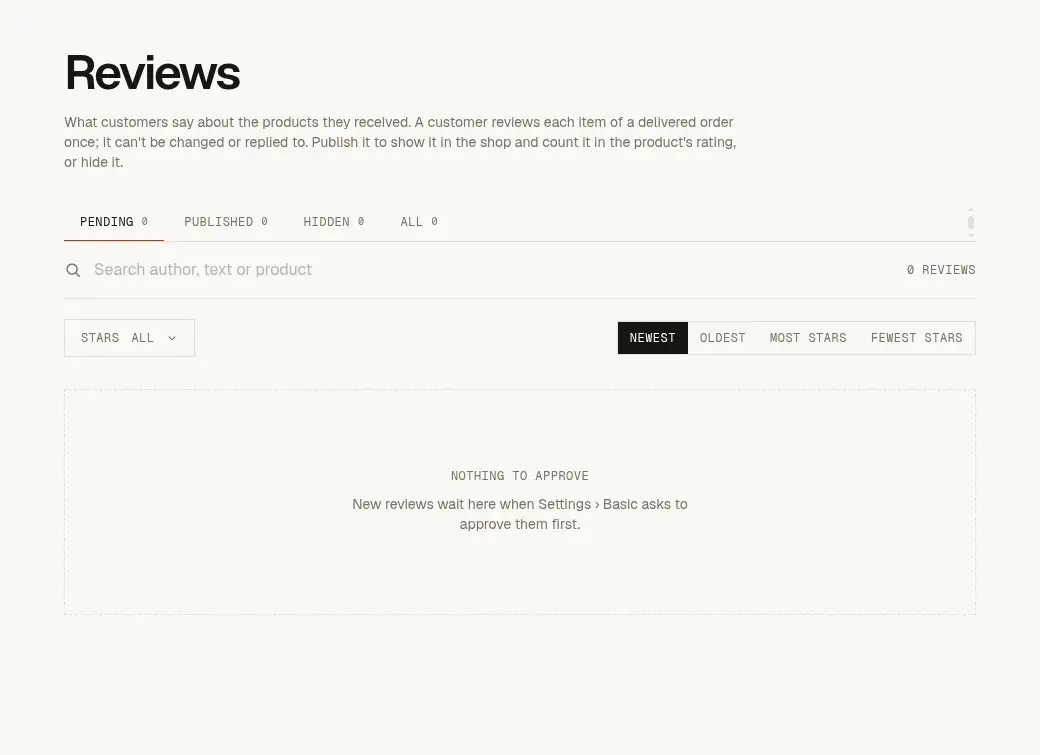
A customer can review each item of a delivered order, once. Reviews can't be changed or replied to. Published reviews show on the product and count in its star rating.
Choose: approve first, or show at once
Go to Settings › Basic › Reviews.
Tick Approve reviews before they show to check each review first. Untick it to let them show at once.

Approve or hide
Go to Reviews. New reviews waiting for you are in Pending, and the menu shows how many.
Read the review, then publish it, or Hide it.
You can hide a published review later too.
Tip: Real reviews, even a few 3-star ones, make buyers trust a store more. Hide only spam, abuse or reviews about something else.