Contact form messages
Customers and reviews · Updated 23 November 2026 · 1 min read
Read what shoppers send from your contact page, and keep track of replies.
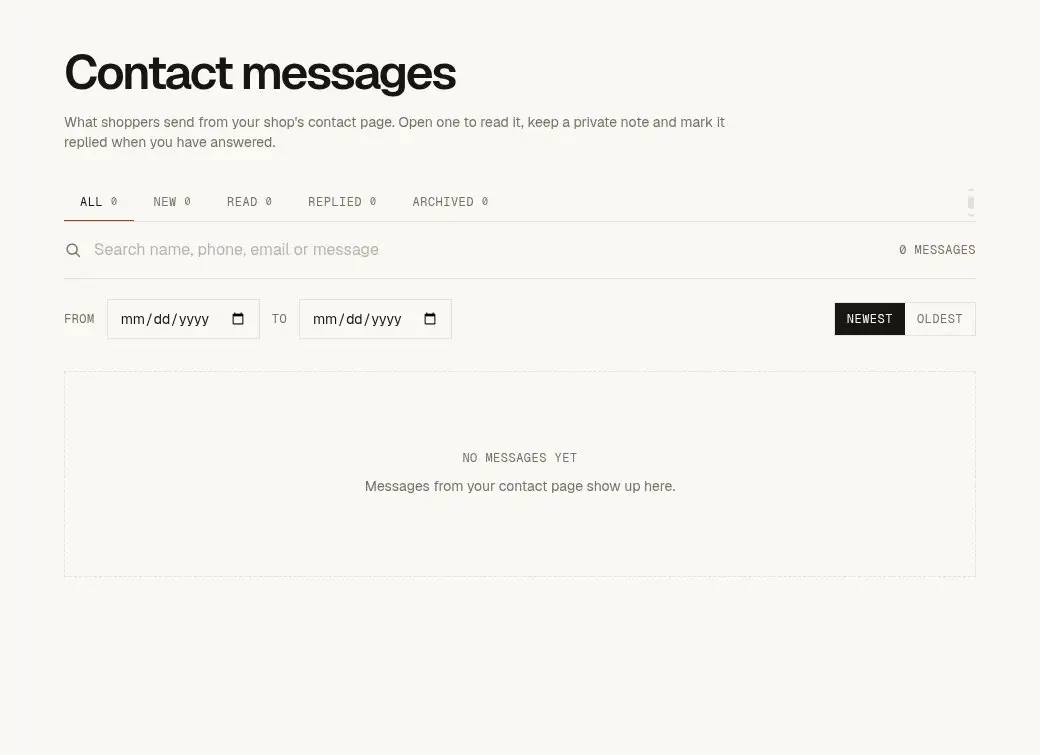
Messages from your store's contact page arrive in Contact us, and the menu shows how many are new. Each has the shopper's name, phone, email and message.
Answer a message
Go to Contact us and open the message.
Answer by phone or email.
Add a Private note for your team if useful, then select Mark as replied.
- Archive it when there's nothing left to do.
Tip: Tick several messages to mark them read, replied or archived at once.
Your contact page itself is in Pages. Its phone, email and address come from Settings › Basic.