Your customers
Customers and reviews · Updated 23 November 2026 · 1 min read
Find customers, add one yourself, see their orders, and block or delete accounts.
Customers lists shoppers who signed up in your store, and the ones your team added. Guests who order without an account don't appear here, but their orders are in Orders.
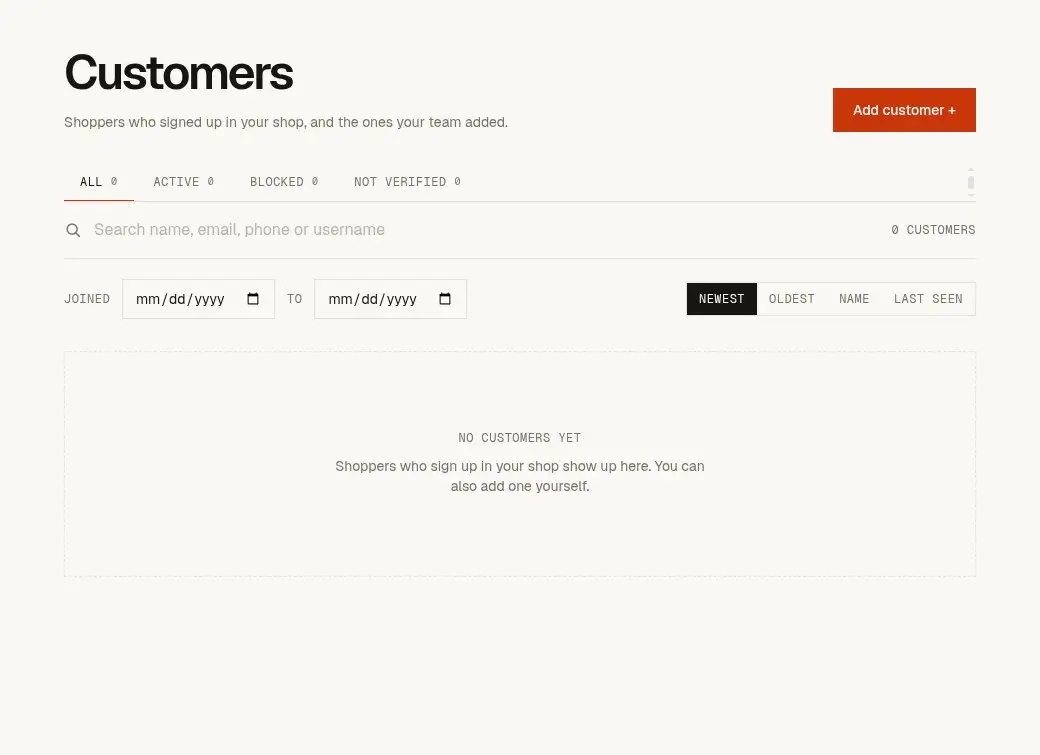
Add a customer
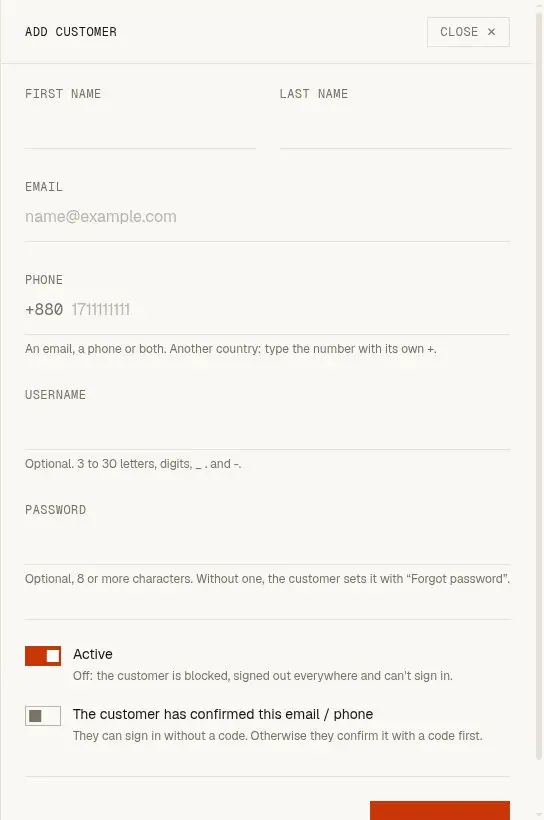
Select Add customer +.
Fill in the name and an email, a phone or both.
Optional: a username and password. Without a password, the customer sets one with "Forgot password".
Tick The customer has confirmed this email / phone only if you know it's theirs. Otherwise they confirm it with a code.
Save.
A customer's page
- Their contact details, how they sign in, when they joined and were last seen.
- Their orders and their loyalty coins.
- Edit, Sign out everywhere, Delete.
Block a customer
Block a customer who keeps refusing parcels: open them and switch off Active, or tick several in the list and choose Block. They're signed out and can't sign in. You can still make an order for them at the POS.