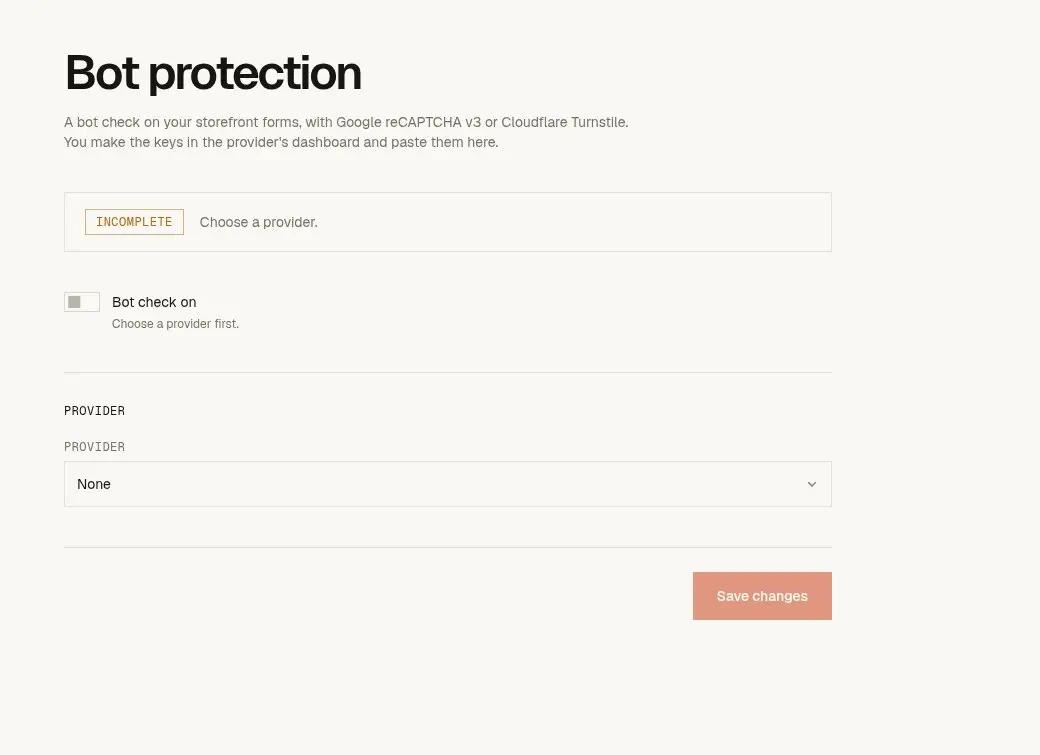
Bot protection
Store settings · Updated 23 November 2026 · 1 min read
Stop fake orders and spam with Google reCAPTCHA or Cloudflare Turnstile.
Bot protection adds an invisible check to your store's forms (checkout, landing page order forms, sign-up, contact), so bots can't flood you with fake orders.
Turn it on
Make keys for your store's domain in the provider's dashboard: Google reCAPTCHA v3 or Cloudflare Turnstile.
Go to Settings › Bot protection and choose the Provider.
Paste the Site key and Secret key.
For reCAPTCHA, set Lowest score let through. 0.5 suits most shops.
Turn on Bot check on and select Save changes.
Real customers blocked?
If real buyers say they can't order, lower the score a little (for example to 0.3), or check the keys were made for the right domain.