Set up email for customers
Store settings · Updated 23 November 2026 · 1 min read
Connect a mail server so customers get order and account emails from your store.
Your store sends emails (order confirmations, status updates, password resets) through a mail server you choose. Use your domain's email provider, or a sending service like Gmail/Google Workspace, Zoho Mail, Brevo or Amazon SES.
Before you start
From your email provider, get the SMTP details: host, port, security type, user name and password (often an "app password").
Connect the mail server
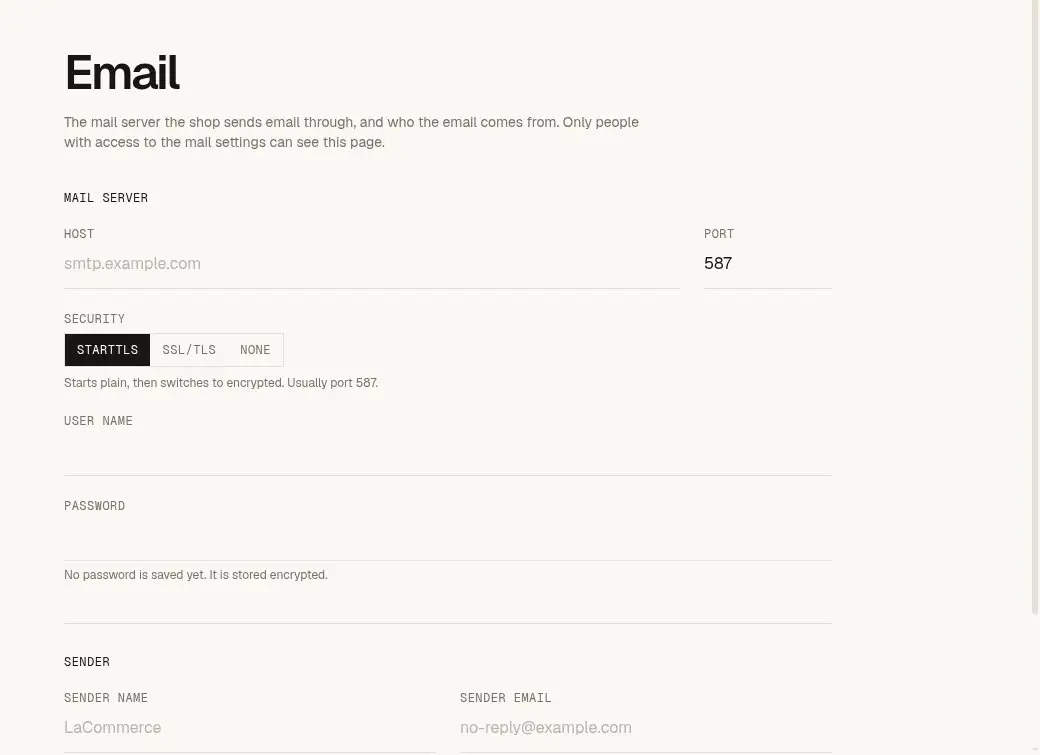
Go to Settings › Email.
Under Mail server, fill in Host (like smtp.example.com) and Port.
Choose Security: STARTTLS (usually port 587) or SSL/TLS (usually port 465).
Fill in User name and Password. The password is stored encrypted.
Under Sender, type the Sender name (your shop's name) and Sender email, then save.
Tip: Send from an address on your own domain (like [email protected]). Emails from it are less likely to end up in spam than ones from a free address.
Common questions
Customers don't get emails
Check the password and port, and that the sender email is allowed by your provider. Gmail needs an app password, not your normal one. Also check the customer's spam folder.