Add custom code
Store settings · Updated 23 November 2026 · 1 min read
Paste a code snippet a tool asks for, like a site verification tag or a chat widget.
Only code you trust
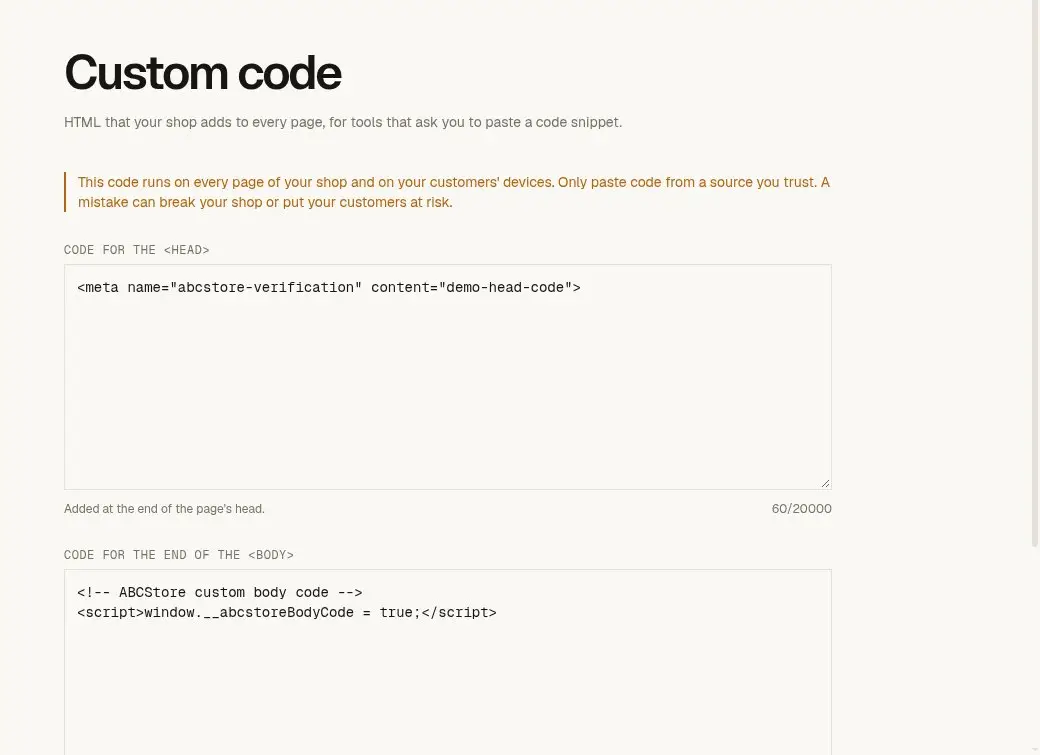
This code runs on every page of your store, on your customers' phones. Only paste code from a source you trust. A mistake can break your store.
Go to Settings › Custom code.
Paste the snippet in Code for the (for verification tags and most scripts) or Code for the end of the (for chat widgets), as the tool's instructions say.
Save, then open your store to check it works.
Pixels and analytics
Don't paste Google Analytics, Tag Manager or ad pixel codes here. Add their IDs in Settings › Tracking instead, which also sends purchase events. See Add the Meta pixel.