Social media links
Store settings · Updated 23 November 2026 · 1 min read
Show your Facebook, Instagram, WhatsApp and other pages on your store.
Go to Settings › Social.
Paste the full link (starting with https://) for each network you use: Facebook, Instagram, X, YouTube, TikTok, LinkedIn, WhatsApp or Discord.
Leave a box empty to hide that icon. Save.
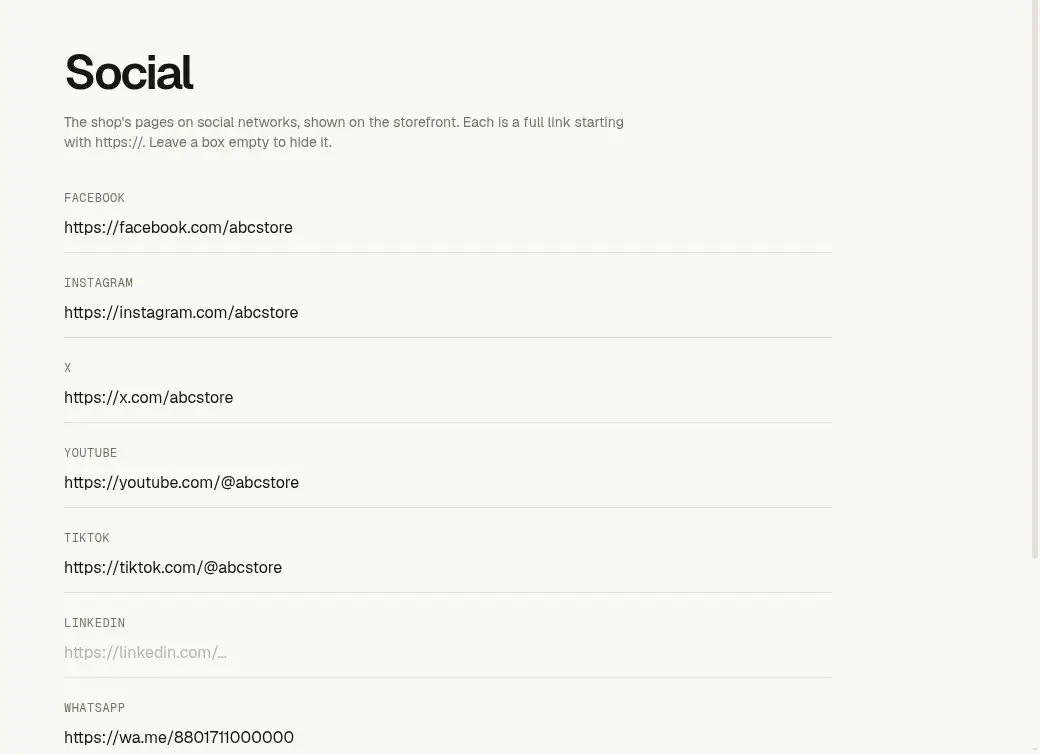
WhatsApp link Use https://wa.me/ followed by your number with the country code and no + or spaces, for example https://wa.me/8801711000000.
Your theme shows the icons, usually in the footer. To read and answer Facebook and Instagram messages, connect them in Social chat instead.