Add-ons and product content
Products and inventory · Updated 23 November 2026 · 1 min read
Extras like gift wrap or engraving, and a rich description with pictures, videos and tables.
Add-ons
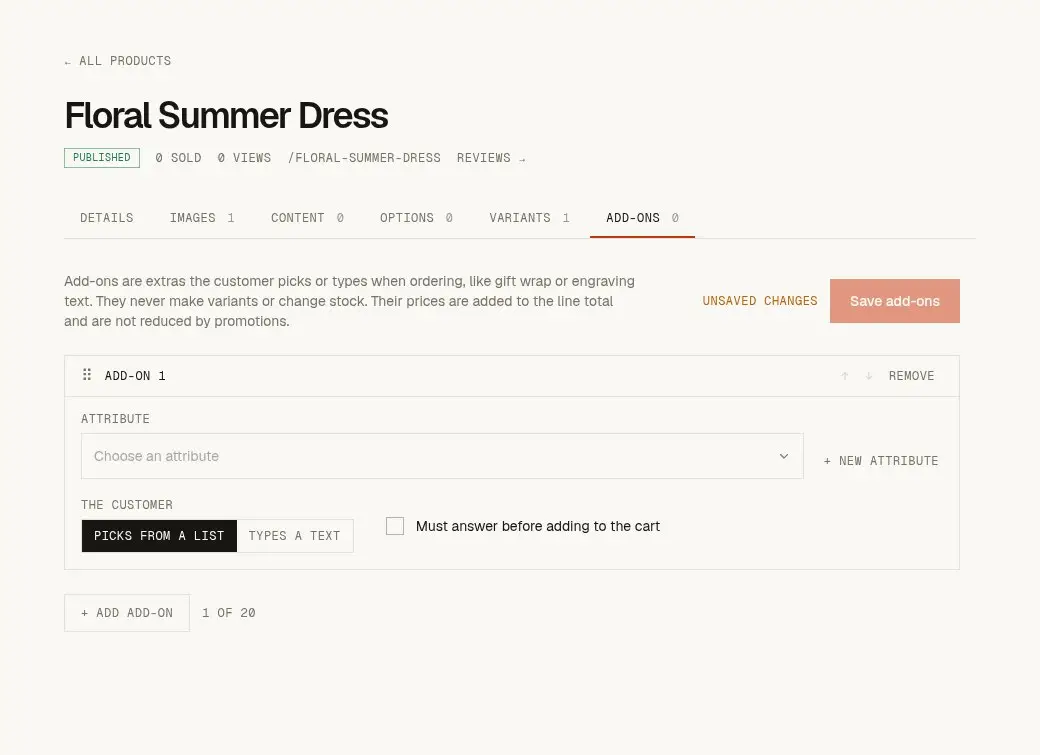
Add-ons are extras the customer picks or types when ordering: gift wrap, a size chart choice, a name to engrave. They never create variants or change stock. Their price is added to the line, and promotions don't discount them.
Open the product and go to the Add-ons tab. Select + Add add-on.
Choose an Attribute for its name (or + New attribute), for example "Gift wrap".
Choose what The customer does: Picks from a list (set the choices and an extra price for each), or Types a text (set the longest text allowed).
Tick Must answer before adding to the cart if it's required.
Select Save add-ons. A product can have up to 20.
Product content
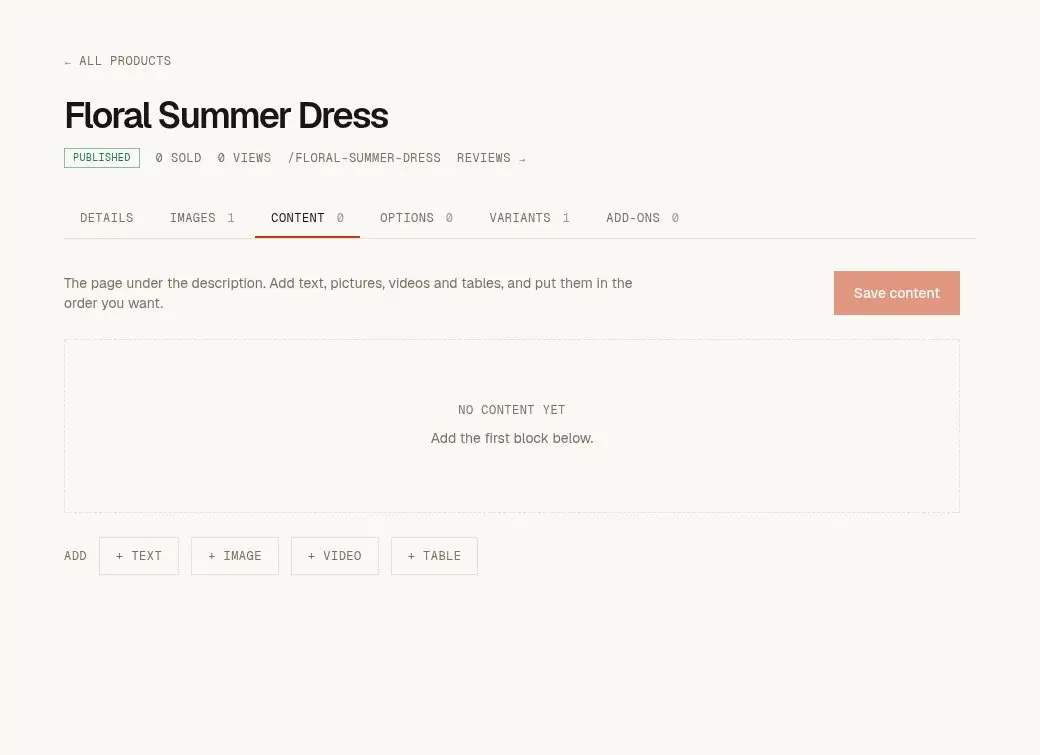
The Content tab is the page under the short description. Build it from blocks:
- + Text: paragraphs, headings and lists
- + Image: from your media library
- + Video: paste a YouTube link
- + Table: for a size chart or specifications
Drag blocks to reorder them, then select Save content.