Your media library
Products and inventory · Updated 23 November 2026 · 1 min read
Upload, tag and reuse images and documents across your store.
Every picture and file in your store lives in Media. Upload once, then pick it anywhere: products, pages, banners, landing pages and your logo.
Upload
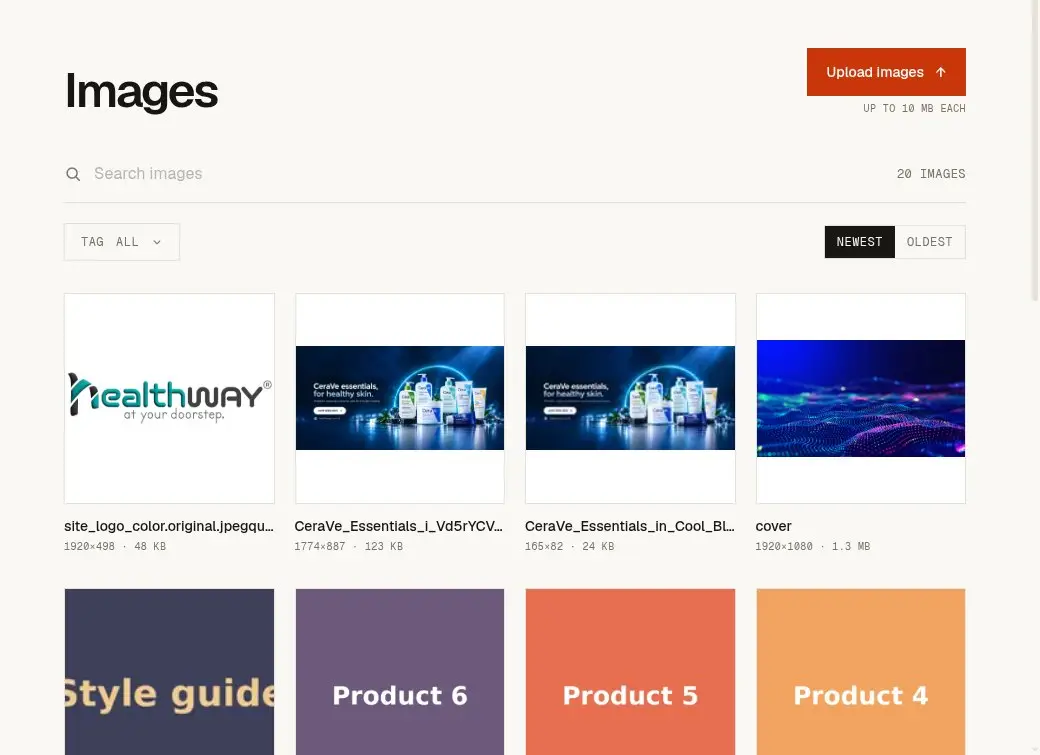
Go to Media › Images (or Documents for PDFs and other files).
Select Upload images, then drag files in or Choose images.
Optional: give each file a title and tags, or Tags for all files at once.
Upload. Images can be up to 10 MB each, documents up to 25 MB.
Find and organise
- Search by title, or filter by Tag.
- Manage tags in Media › Tags, for example "summer sale" or "banners".
- Open a file to rename it, change its tags, download it or delete it.
Tip: Upload clear product photos at least 1000 pixels wide. Your store makes smaller, faster copies for phones by itself.