Sizes, colours and other attributes
Products and inventory · Updated 23 November 2026 · 1 min read
Set up Size, Color and other attributes once, then use them on every product and as shop filters.
An attribute is a kind of choice, like Size or Color, with its values (S, M, L…). You make it once and use it on every product's Options, to create variants, and on Add-ons.
Add an attribute
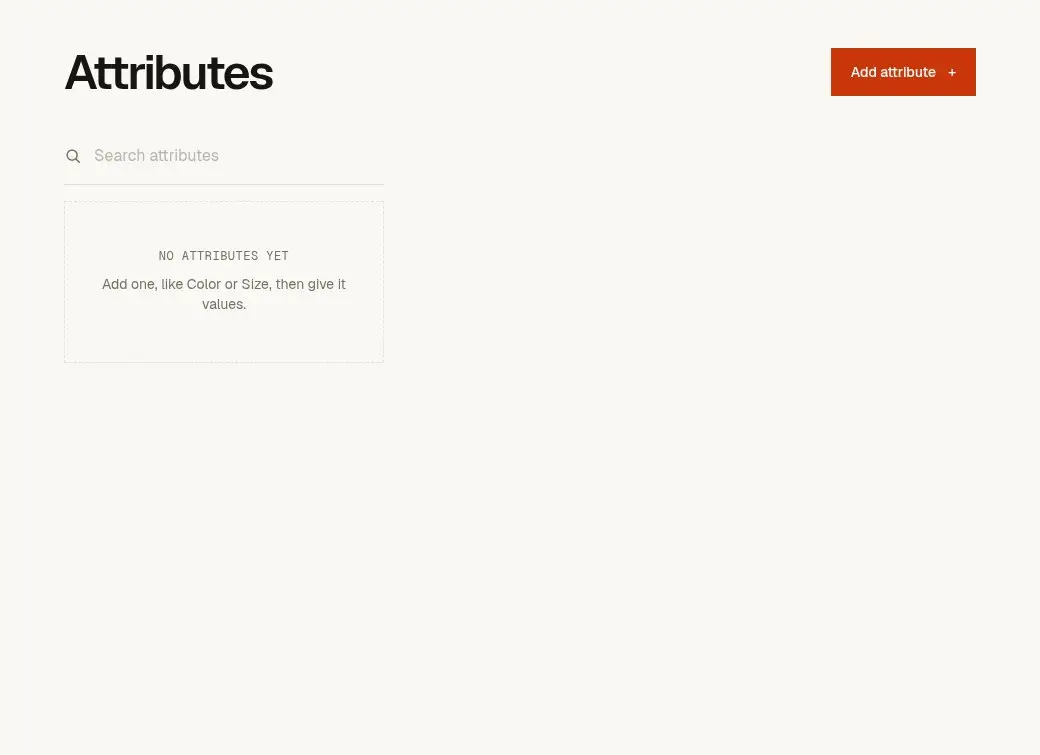
Go to Products › Attribute and select Add attribute.
Name it, for example "Size", and save.
Select it in the list, then Add a value for each one: S, M, L, XL.
Turn on In filters to let shoppers filter products by it in your store.
Tip: Put values in the order shoppers expect (S, M, L, XL, not alphabetical) with the arrows, or each value's Order. Your store shows them in that order.
You can also make an attribute while editing a product: select + New attribute on its Options tab.